
Description
How to Use Adobe Lightroom
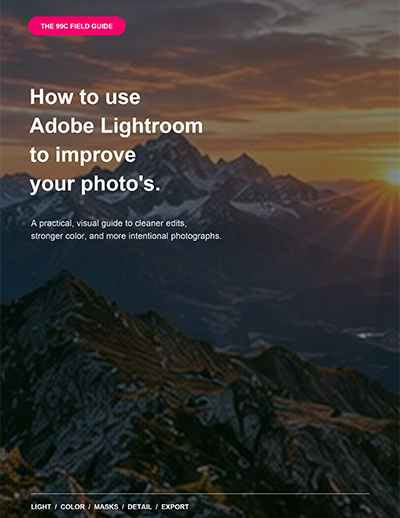
Transform ordinary photographs into polished, professional-looking images with “How to Use Adobe Lightroom to Improve Your Photos.”
This beginner-friendly Lightroom e-book explains the essential tools and settings you need to edit photographs with confidence. Using straightforward guidance and helpful visual examples, it takes you through the complete editing process—from importing and organizing photographs to correcting exposure, improving colors, applying masks, reducing noise, sharpening details, and exporting finished images.
Inside the guide, you’ll learn how to:
- Correct exposure, contrast, highlights, and shadows
- Set white balance and remove unwanted color casts
- Improve individual colors with the Color Mixer
- Use Texture, Clarity, Dehaze, Vibrance, and Saturation
- Create polished looks with Tone Curve and Color Grading
- Apply AI-powered subject and sky masks
- Use brushes, linear gradients, and radial gradients
- Remove distractions and unwanted objects
- Reduce digital noise while preserving detail
- Sharpen portraits, landscapes, and other photographs
- Work efficiently with presets and synchronized settings
- Export correctly for websites, social media, and printing
Whether you photograph landscapes, portraits, products, travel, food, or everyday moments, this practical guide will help you understand what Lightroom’s main controls do and when to use them.
No advanced editing experience is required. Each recommended setting is presented as a flexible starting point, helping you develop a personal editing style rather than relying on one-click results.
Download the e-book and start creating cleaner, more balanced, and more engaging photographs with Adobe Lightroom.



Reviews
There are no reviews yet.