Description
Learn Microsoft Word with Confidence
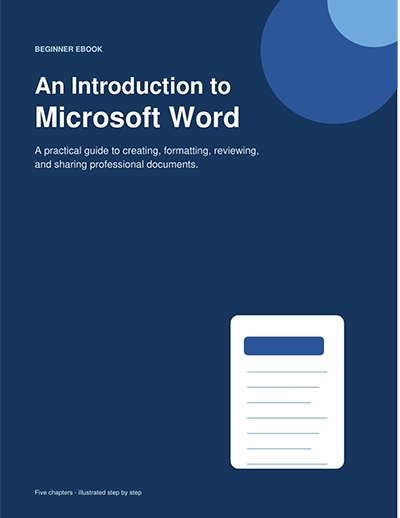
“Introduction to Microsoft Word” is a practical visual guide designed to help complete beginners understand one of the world’s most widely used word-processing applications.
This easy-to-follow Microsoft Word eBook introduces the essential skills needed to create professional documents for school, work, business, and personal use. Each topic is explained with clear instructions, useful examples, and colorful illustrations that make learning easier.
Readers will become familiar with the Microsoft Word workspace, Ribbon, document views, and navigation tools. The guide explains how to enter and edit text, adjust fonts and paragraphs, create lists, apply styles, and organize content using headings.
The book also introduces page layouts, margins, orientation, headers, footers, page numbers, tables, pictures, shapes, and other visual elements. Readers will learn how to check spelling and grammar, use Find and Replace, review document changes, and prepare finished work for printing or PDF export.
Rather than simply listing commands, this beginner’s Microsoft Word guide shows how different tools work together to produce clean, consistent, and professional-looking documents.
Whether you are a student, office professional, job seeker, small-business owner, or first-time Microsoft Word user, this eBook will help you develop practical document-creation skills that can be used immediately.
What Readers Will Learn
- How to navigate the Microsoft Word workspace
- How to create, open, save, and organize documents
- How to enter, select, copy, move, and edit text
- How to format fonts, paragraphs, and lists
- How to use headings, themes, and document styles
- How to adjust margins, orientation, spacing, and page size
- How to insert tables, pictures, shapes, and text boxes
- How to add headers, footers, and page numbers
- How to use spelling, grammar, and editing tools
- How to use Find and Replace
- How to review and track document changes
- How to preview, print, share, and export documents as PDFs
Product Highlights
- Beginner-friendly Microsoft Word lessons
- Clear step-by-step explanations
- Full-color instructional illustrations
- Practical document examples
- Essential formatting techniques
- Professional page-layout guidance
- Convenient downloadable PDF format
- Suitable for independent learning and workplace training


Reviews
There are no reviews yet.